So there I was, staring at my AWS billing dashboard at 8 AM on a Sunday. My staging environment had quietly burned through $140 in API credits overnight. The culprit? A research sub-agent that got confused by a malformed PDF, caught a silent exception, and decided the best course of action was to retry the exact same prompt 4,000 times.
It didn’t crash. That’s the maddening part.
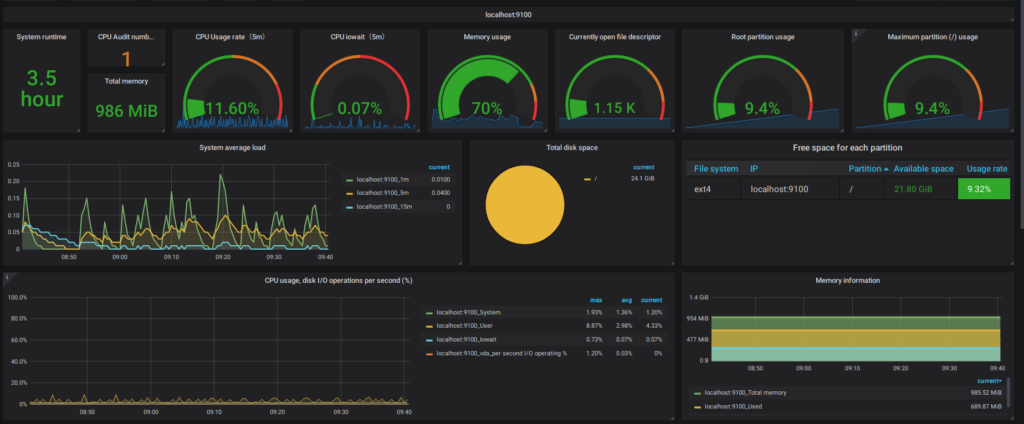
And if you’re building autonomous workflows right now, you’ve probably hit this exact wall. Standard error tracking tools are fantastic for traditional software — I obsessively check my APM dashboards for memory leaks and slow database queries. But when it comes to LLM agents, those tools are flying blind.
The Problem with “200 OK”
Agents don’t fail like that. When an agent screws up, the HTTP request to the provider usually returns a perfectly healthy 200 OK. The Python interpreter running on my t3.medium EC2 instance was probably happy. The code executed exactly as written.
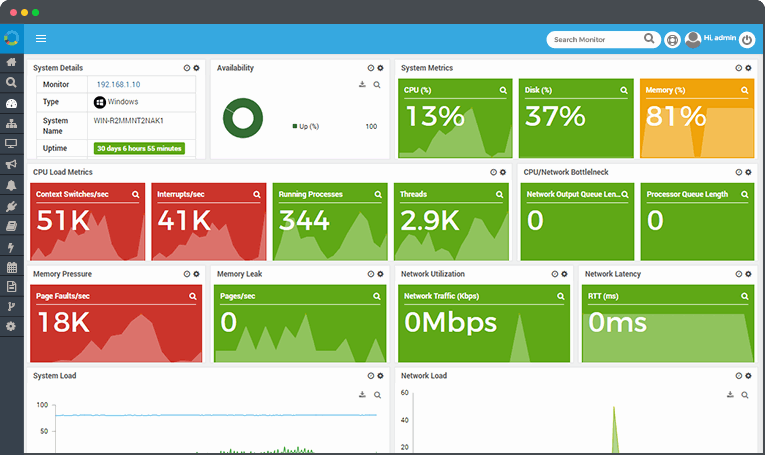
The “error” was entirely semantic. The LLM output valid JSON, but the logic inside that JSON was garbage. It was stuck in a thought loop, repeating the same reasoning steps without making progress. Standard monitoring sees zero issues here. You’re just paying for a digital hamster wheel.
I realized my existing setup was fundamentally broken for this new architecture. You can’t just log exceptions — you have to track the actual session state, concurrency, and token burn rate in real-time.
The Infinite Retry Gotcha
Here’s a specific edge case that bit me hard last month. I was using a standard exponential backoff wrapper around my API calls to handle rate limits.
What I didn’t account for was context window growth. Every time the agent failed to parse a document, my framework appended the failure message to the context and tried again. By the 15th attempt, the payload had ballooned. Eventually, it hit the hard limit.
openai.BadRequestError: Error code: 400 - {'error': {'message': 'This model's maximum context length is 128000 tokens. However, your messages resulted in 128014 tokens.'}}
Because my error handler was designed to catch network timeouts, it blindly swallowed the 400 error, wiped the immediate context, and started the whole disastrous cycle over again.
Building Agent-Specific Telemetry
After that weekend, I ripped out my generic try/except blocks. I needed visibility into the actual agent sessions. Specifically, I needed to see per-session token counts, exact input/output traces, and a way to manually kill a runaway process before it drained my wallet.

I started wrapping every agent step in a custom tracker that monitors semantic progress, not just code execution. If an agent outputs the exact same tool call three times in a row, that’s an error. Even if the code compiles. Even if the API returns 200.
Here is the exact middleware I wrote (tested with Python 3.12.2) to catch thought loops and token exhaustion before they cascade:
import time
import hashlib
from functools import wraps
from typing import Callable, Any

class AgentLoopError(Exception):
    pass

def track_agent_step(max_repeats: int = 3, token_limit: int = 100000):
    def decorator(func: Callable) -> Callable:
        # State stored per-session
        history_hashes = []
        total_tokens = 0

        @wraps(func)
        def wrapper(*args, **kwargs) -> Any:
            nonlocal history_hashes, total_tokens

            # Execute the actual LLM call
            start_time = time.time()
            response, usage = func(*args, **kwargs)

            # Track token burn
            total_tokens += usage.get('total_tokens', 0)
            if total_tokens > token_limit:
                raise AgentLoopError(f"Session exceeded token budget: {total_tokens}")

            # Hash the output to detect exact repetitions
            output_text = response.get('content', '')
            step_hash = hashlib.md5(output_text.encode()).hexdigest()
            history_hashes.append(step_hash)

            # Check the last N steps for a loop
            if len(history_hashes) >= max_repeats:
                recent = history_hashes[-max_repeats:]
                if len(set(recent)) == 1:
                    raise AgentLoopError("Agent is stuck in a semantic loop. Terminating.")

            return response
        return wrapper
    return decorator

# Usage:
# @track_agent_step(max_repeats=3)
# def call_sub_agent(prompt: str, context: dict):
#     ...
This simple hash-checking mechanism saved my ass twice this week alone. It catches the exact moment an agent starts repeating itself and throws a hard exception that my main orchestrator can actually understand and handle.
But until those tools mature, don’t trust your standard monitoring. A green dashboard doesn’t mean your agent is working. It might just mean it’s failing very, very efficiently.